
Recurring & transactions
Find transactions and review status
Find a payment by customer, transaction ID, memo, status, or date.
Before you begin
- Who can use this
- Users permitted to view Transactions
- You'll need
- The correct store selected
- A customer, transaction ID, memo, status, or date when narrowing a large list
Narrow the transaction list
- 1
Open Transactions
Use the sidebar to open the page labeled View and manage all ACH transactions.
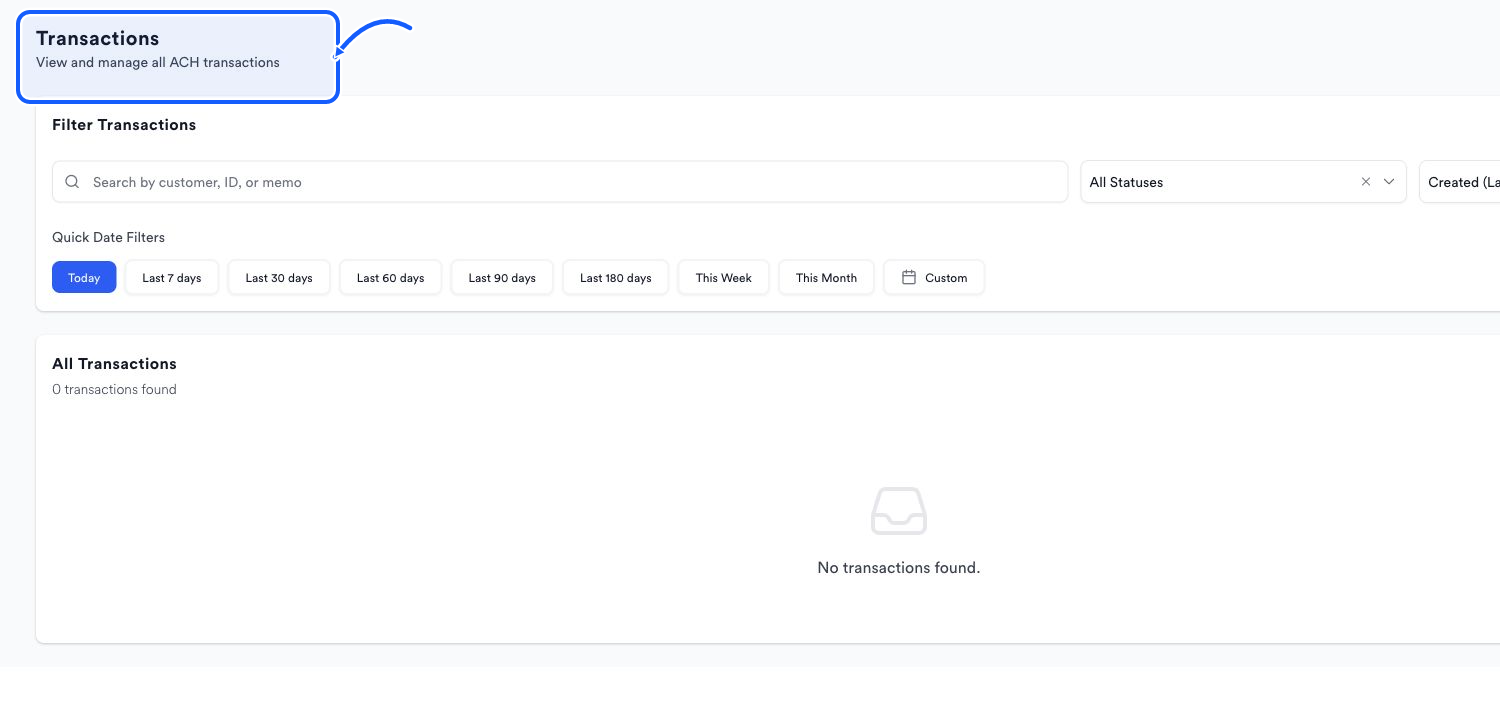
The highlighted area shows where to click. - 2
Search transactions
Search by customer, ID, or memo.
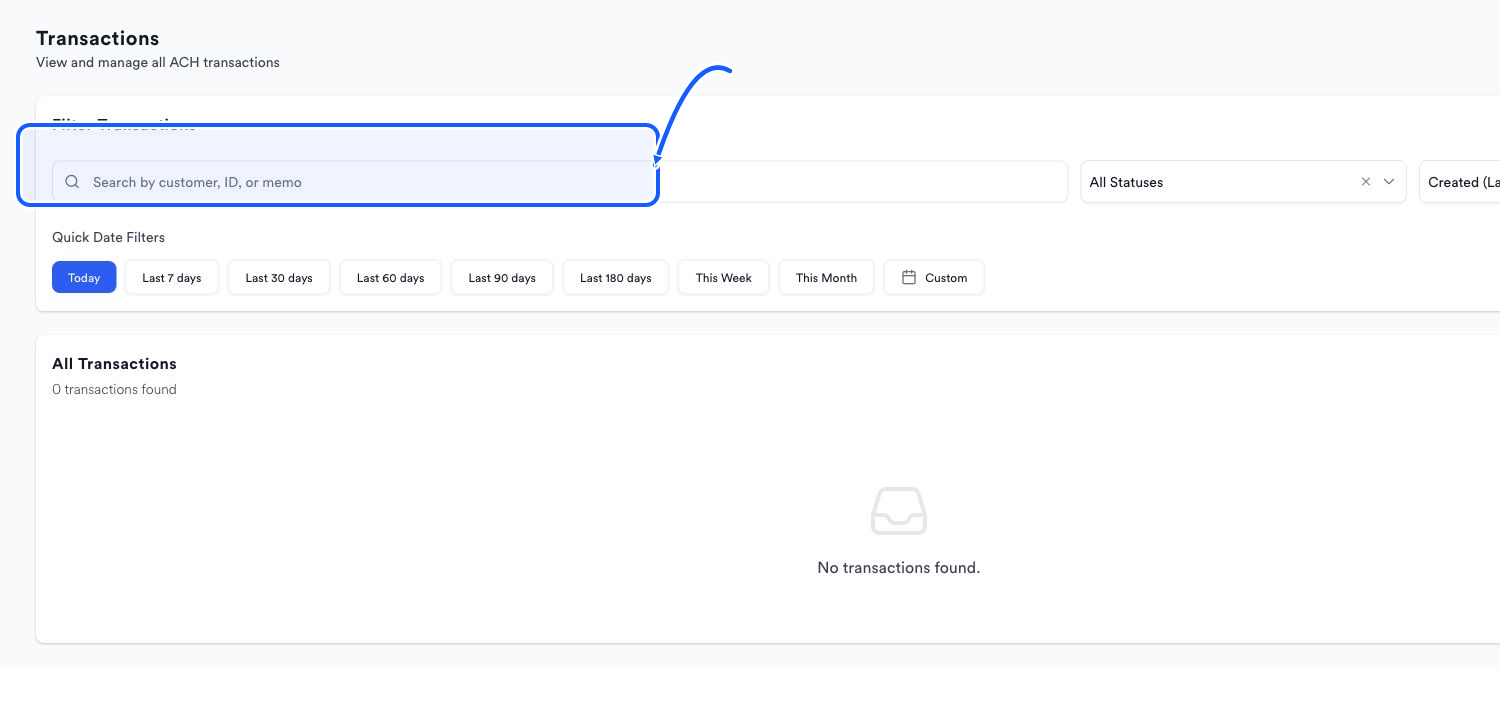
The highlighted area shows where to click. - 3
Apply status and sort
Choose a value from All Statuses and use the date sort control to change transaction order.
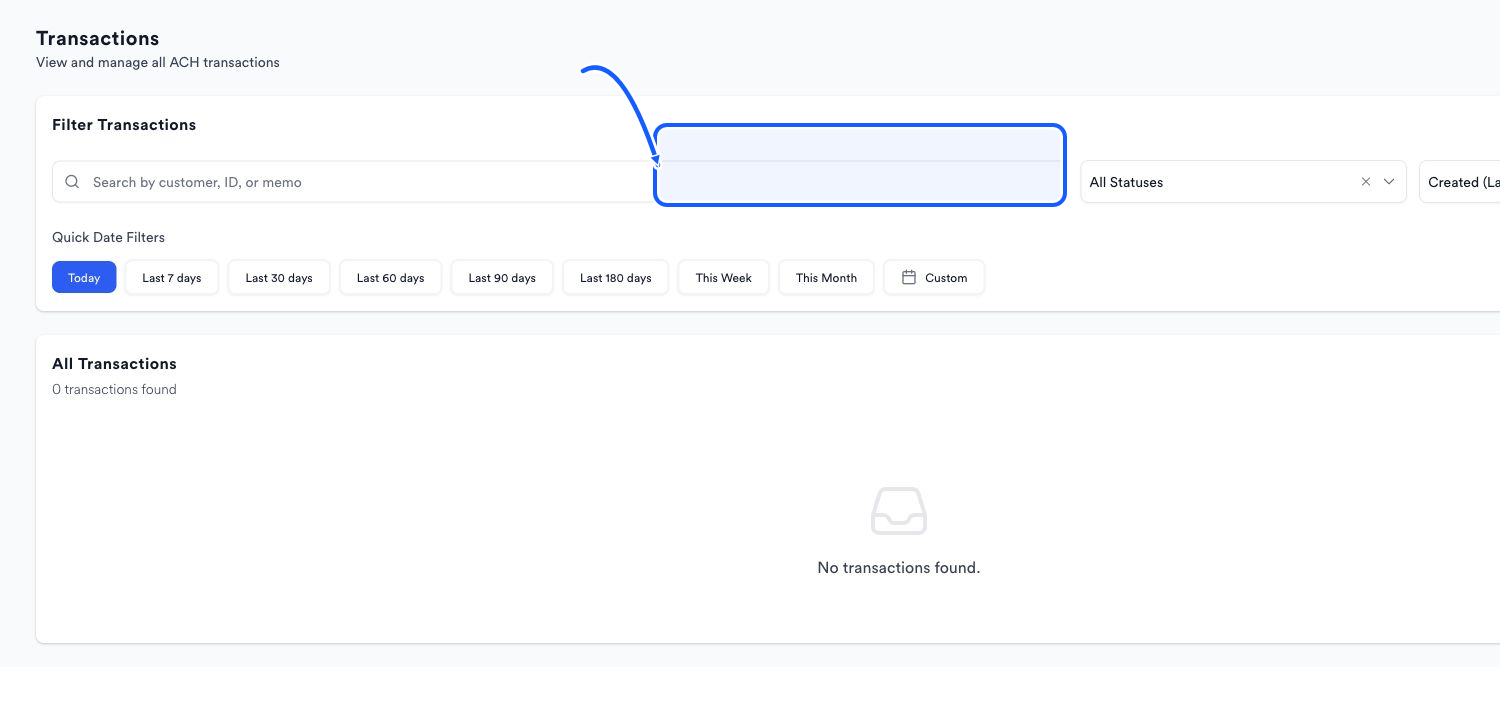
The highlighted area shows where to click. - 4
Set the date
Use Today, Last 7 days, Last 30 days, Last 60 days, Last 90 days, Last 180 days, This Week, This Month, or Custom. For Custom, choose start and end dates and select Apply.
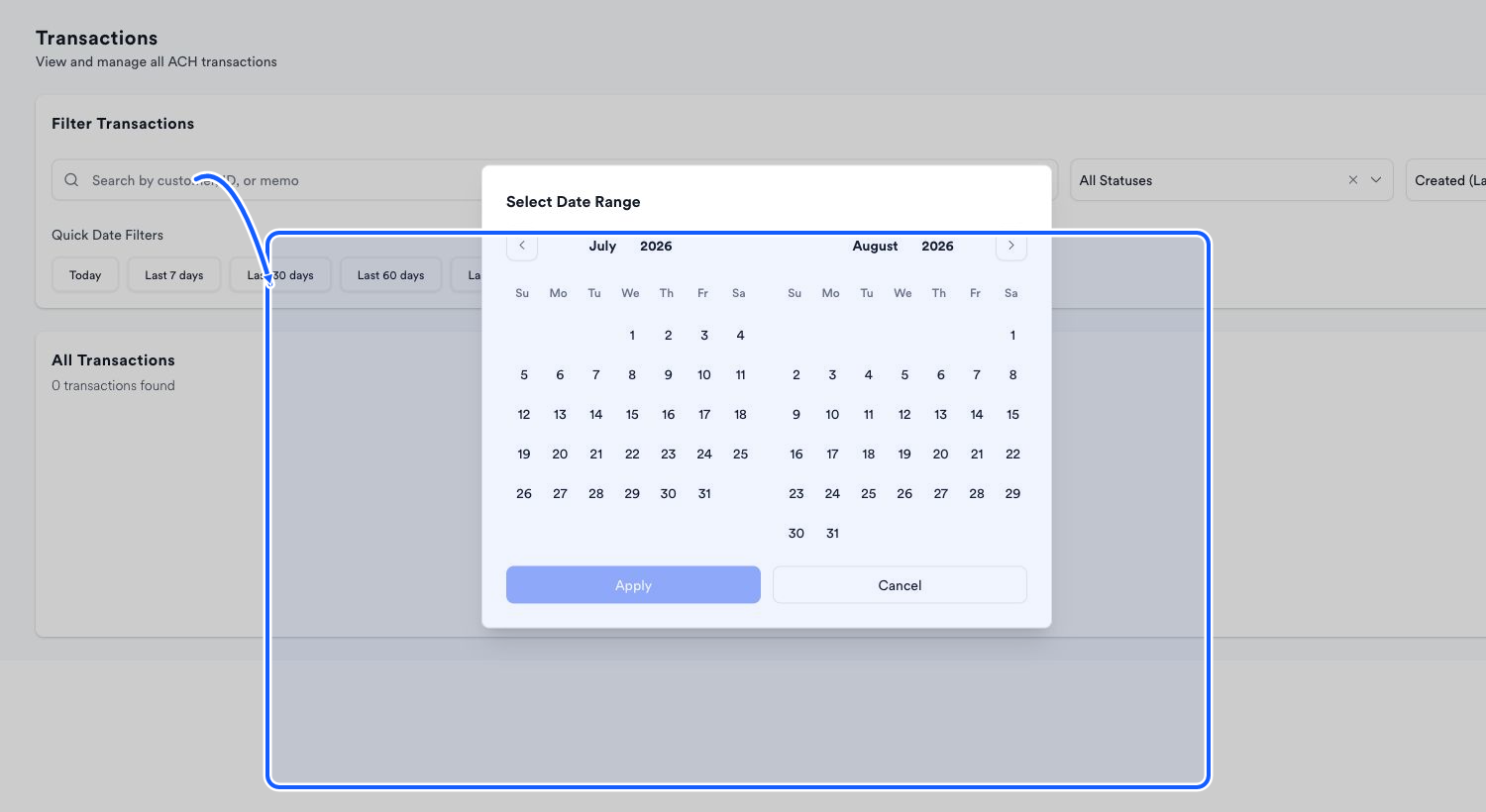
The highlighted area shows where to click.
Use status consistently
The Dashboard summarizes Pending, Processing, Settled, and Returned transaction totals. Use the status filter on Transactions to inspect the matching records rather than inferring details from the summary alone.
You're done when
All Transactions shows only the records matching the active search, status, sort order, and date range.
Common fixes
If No transactions found appears, clear the search, reset All Statuses, and widen the date range.
If a memo search misses a record, try the customer name or transaction ID.
If a dashboard status total differs, reproduce the dashboard date period and confirm the same store.