
Developers
Use the Quickvee Pay API documentation
Open the built-in Quickvee Pay Docs library and follow its current environment, authentication, onboarding, and transaction guidance.
Before you begin
- Who can use this
- Developers and technical teams building an approved Quickvee Pay integration
- You'll need
- Access to Documentation from the Quickvee Pay account menu
- A defined sandbox or production integration task
- The environment and authentication requirements from the current API library
Open the developer library
- 1
Open the account menu
From the Quickvee Pay dashboard, open the account menu.
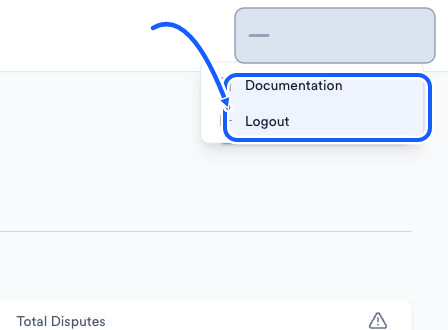
The highlighted area shows where to click. - 2
Choose Documentation
Open Quickvee Pay Docs, labeled Guides & API reference.
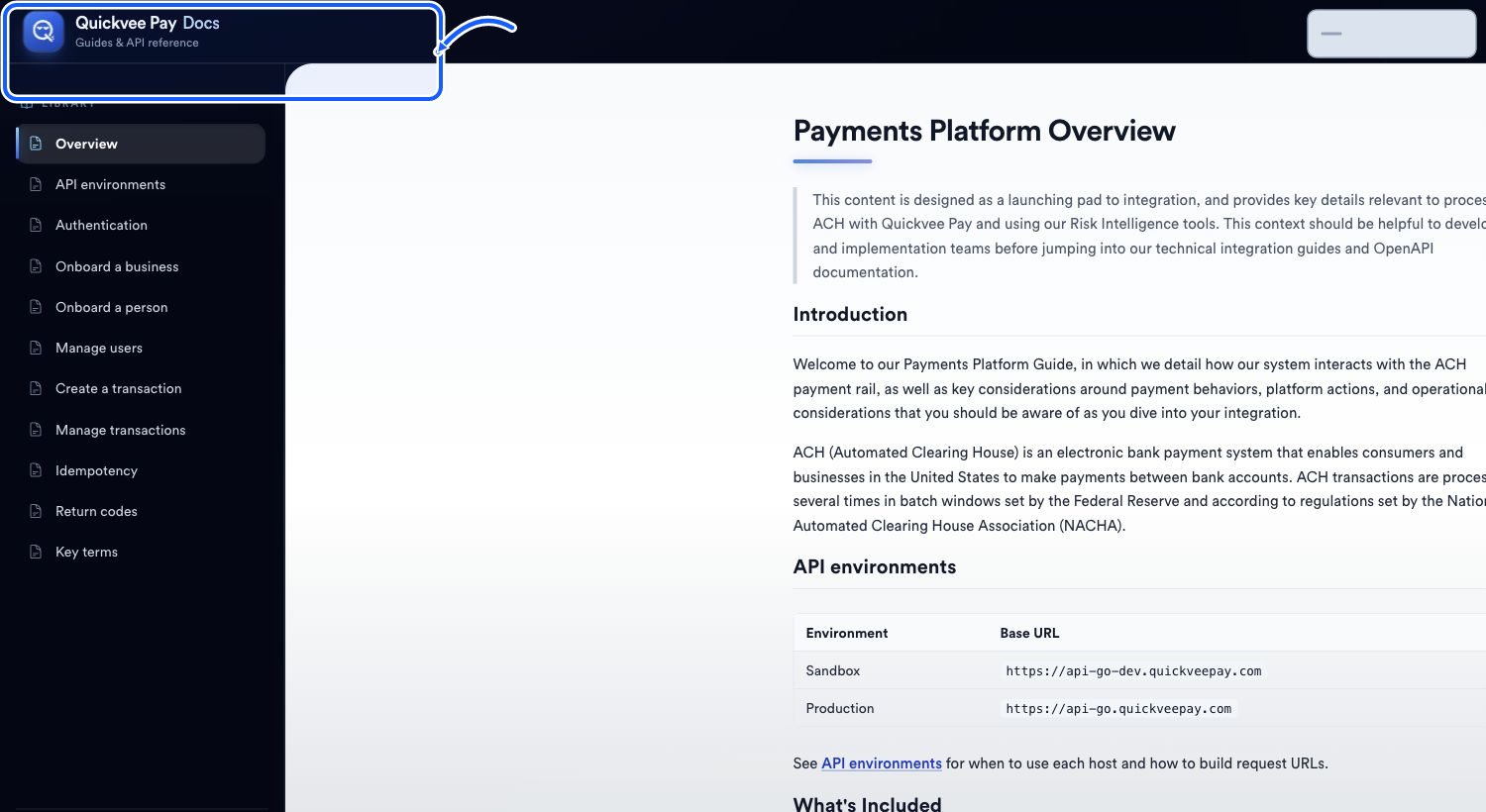
The highlighted area shows where to click. - 3
Start with Overview
Read Payments Platform Overview before copying an environment host or building a request.
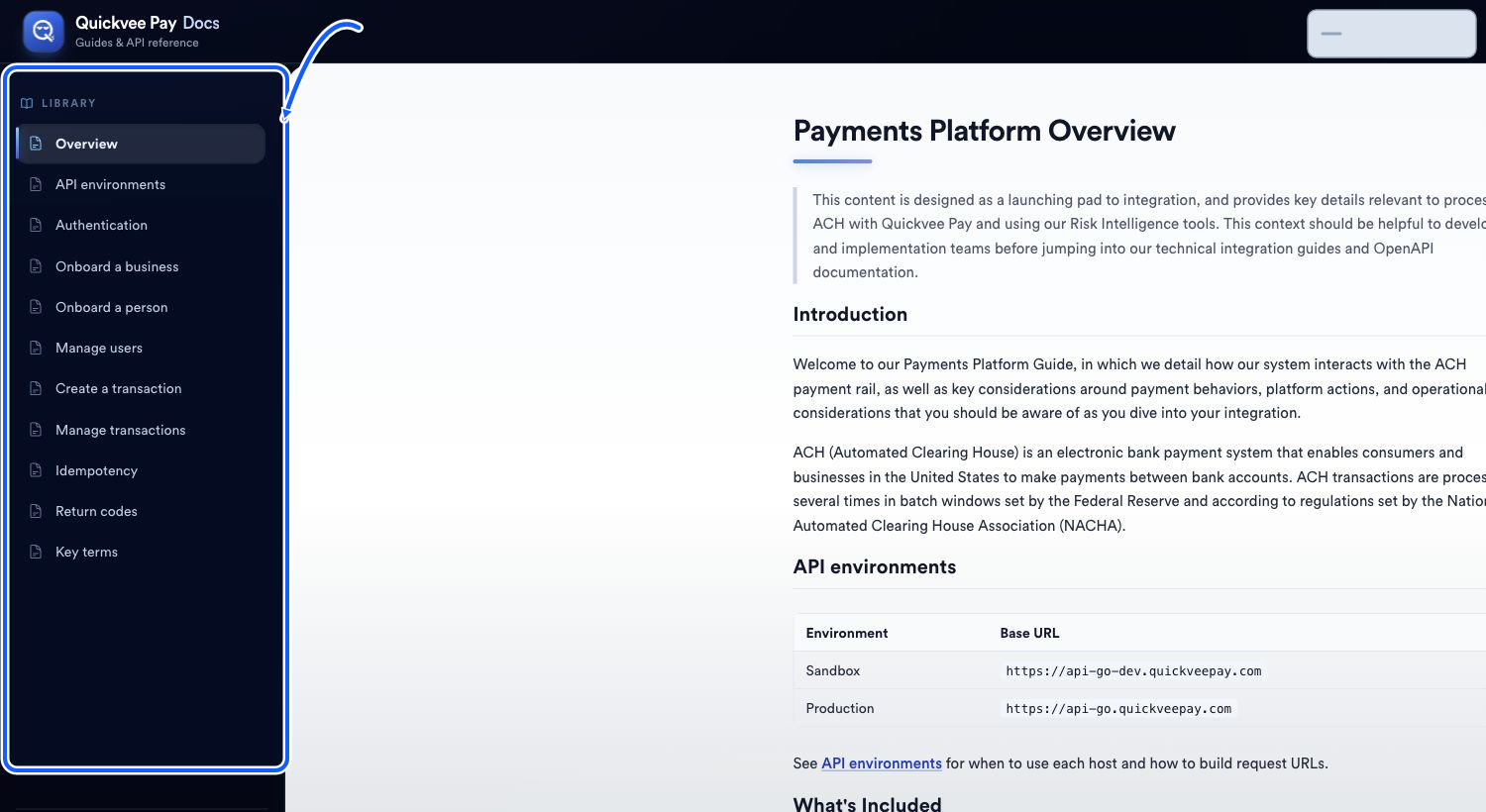
The highlighted area shows where to click.
Follow the library in context
- API environments identifies the current sandbox and production hosts.
- Authentication defines how requests are authorized.
- Onboard a business, Onboard a person, and Manage users cover onboarding resources.
- Create a transaction and Manage transactions cover payment requests and transaction records.
- Idempotency, Return codes, and Key terms provide supporting integration behavior and vocabulary.
You're done when
You can find the API guide and reference for your environment and integration task.
Common fixes
If Documentation does not open, confirm that it appears in the account menu and use Need Help in Quickvee Pay.
If a request fails, recheck API environments, Authentication, the relevant operation page, and Idempotency before changing code.
If a return code is unfamiliar, use Return codes in the developer library rather than guessing from the merchant Returns page.