
Deposits, reports & exceptions
Track deposits and settlement
Review pending and settled deposit totals, expected deposits, trace timing, and the exportable deposit list.
Before you begin
- Who can use this
- Users permitted to view Deposits
- You'll need
- The correct store selected
- A date period, deposit ID, or amount when researching a specific settlement
Read the deposit summary
- 1
- 2
Review Incoming Deposits
Use the expected-deposit area for deposits projected from active recurring plans.
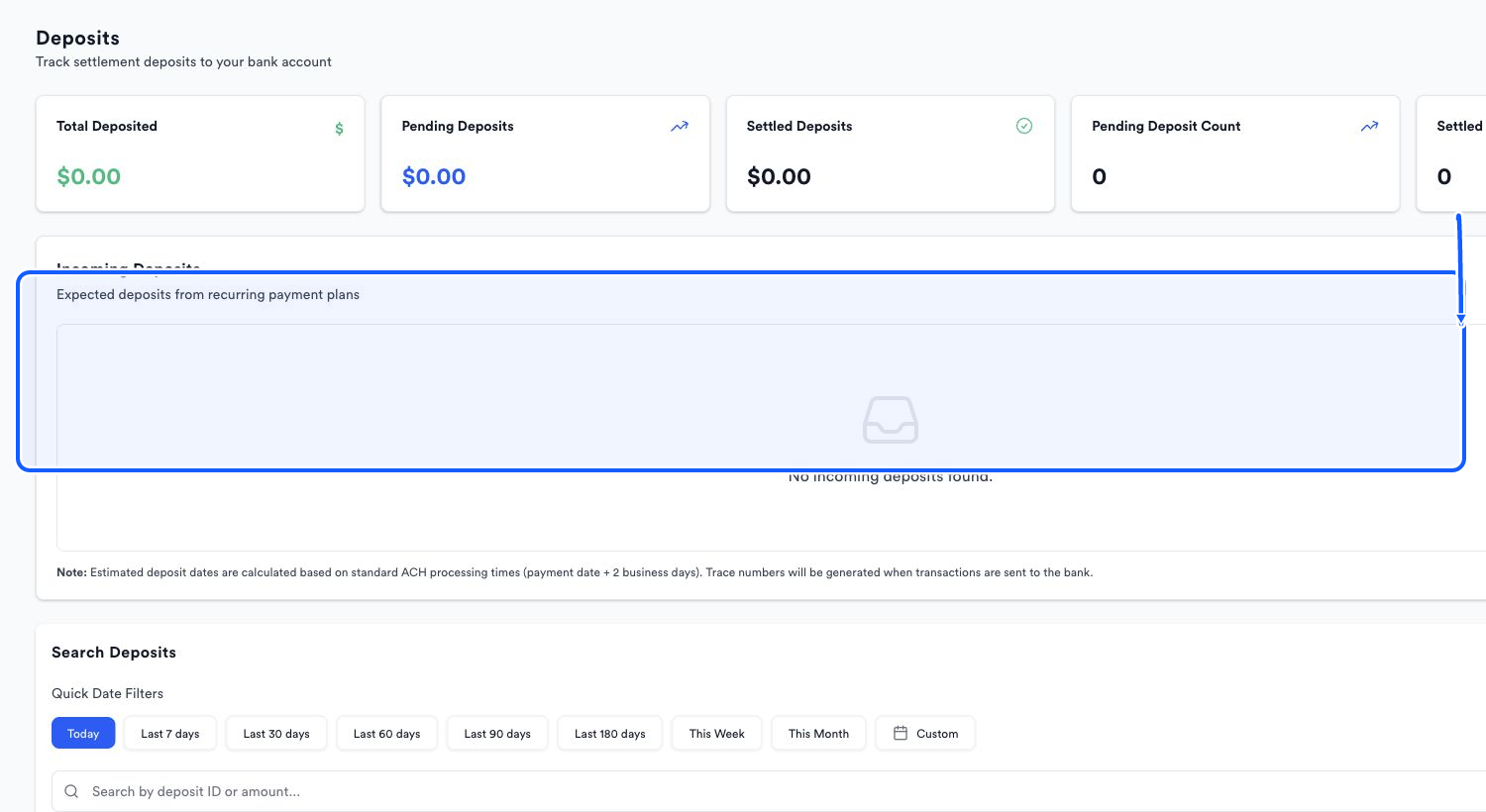
The highlighted area shows where to click. - 3
Read the timing note
The page states that estimated deposit dates use standard ACH processing timing of payment date plus two business days, and that trace numbers are generated when transactions are sent to the bank.
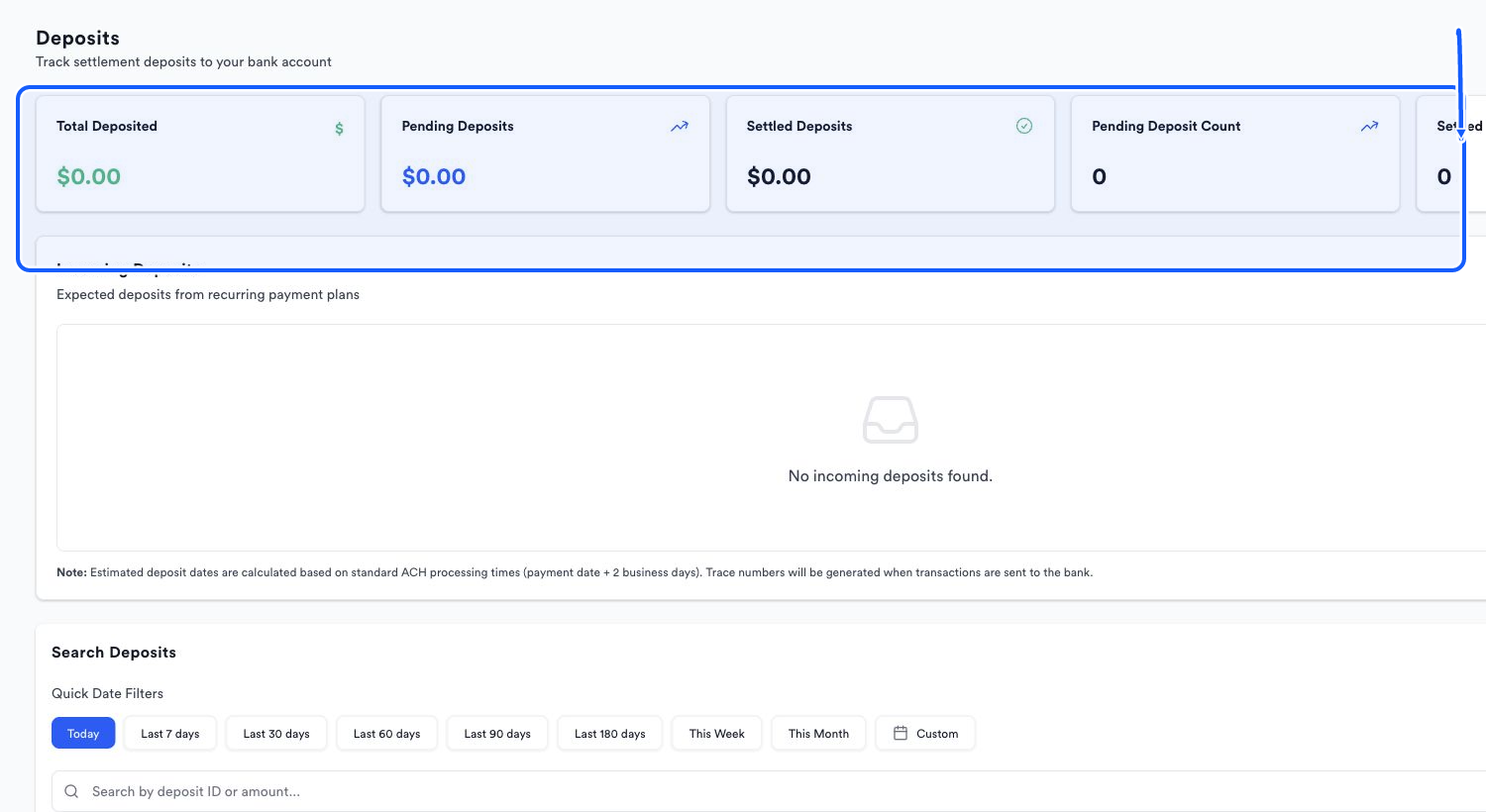
The highlighted area shows where to click.
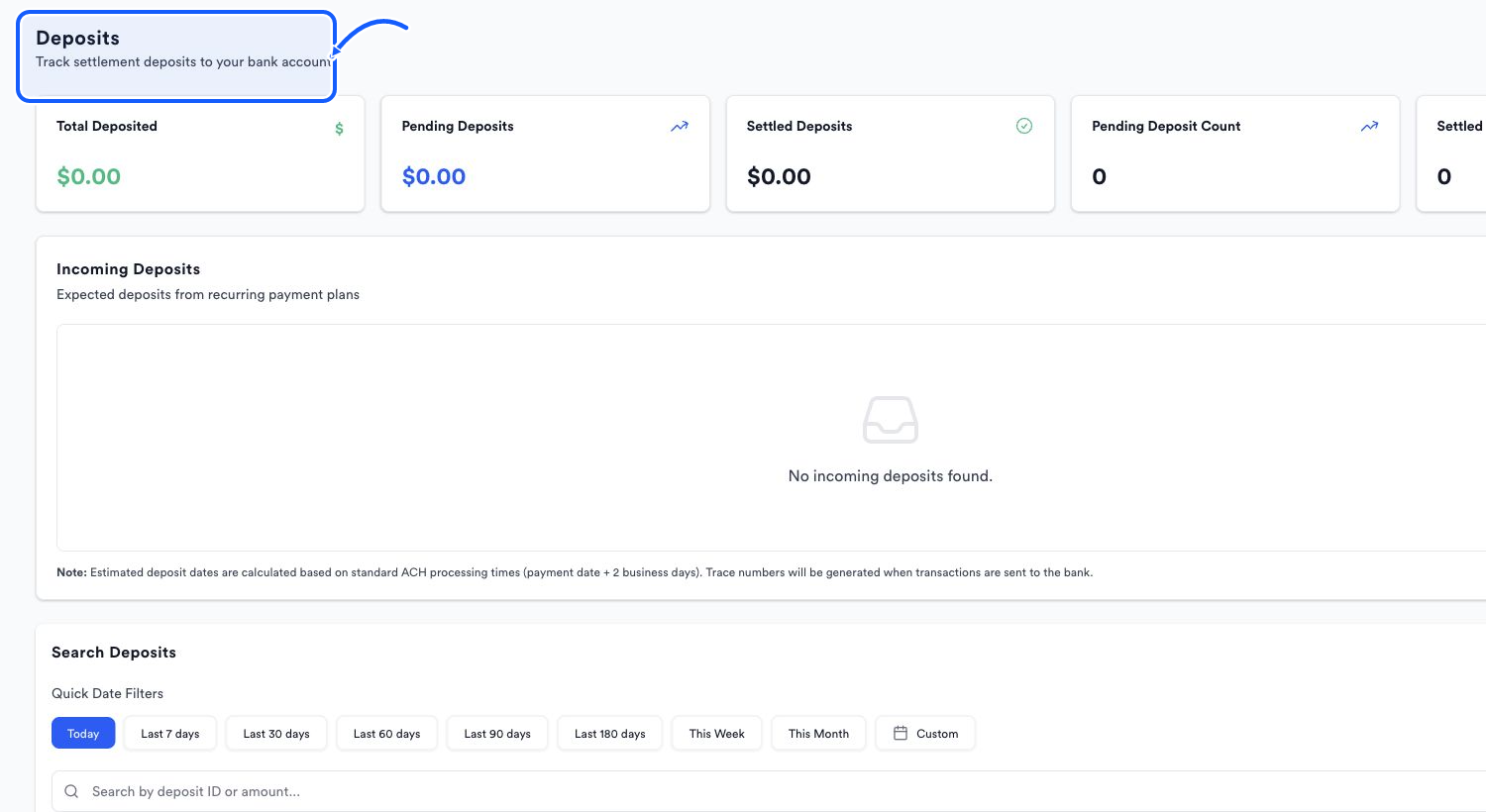
Find and export deposits
- 1
Set the date range
Use the quick date filters or Custom to match the period you are reconciling.
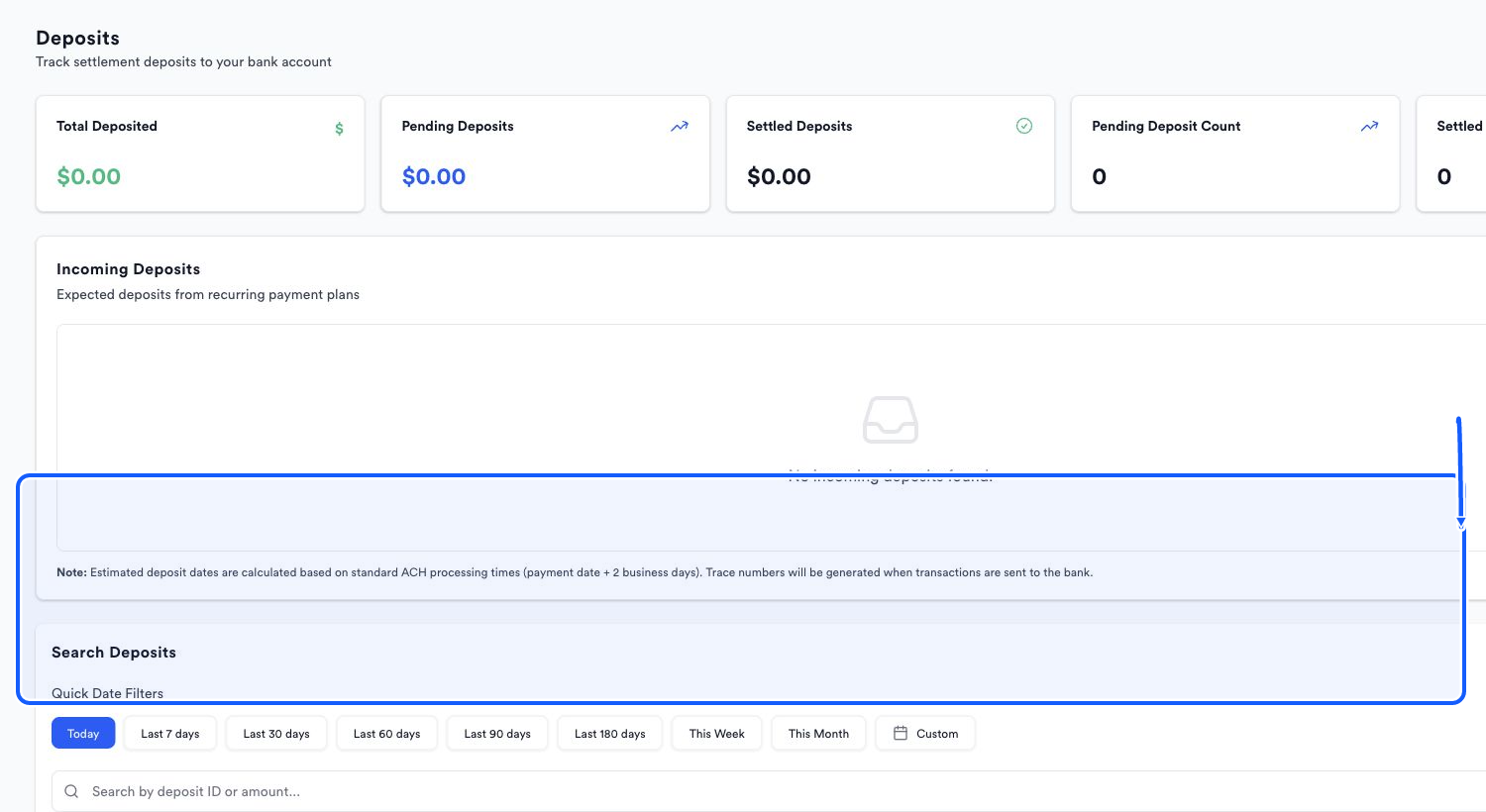
The highlighted area shows where to click. - 2
Search deposits
Search by deposit ID or amount.
The highlighted area shows where to click. - 3
Export the current view
Choose Export Excel after the current filters match the deposit set you need.
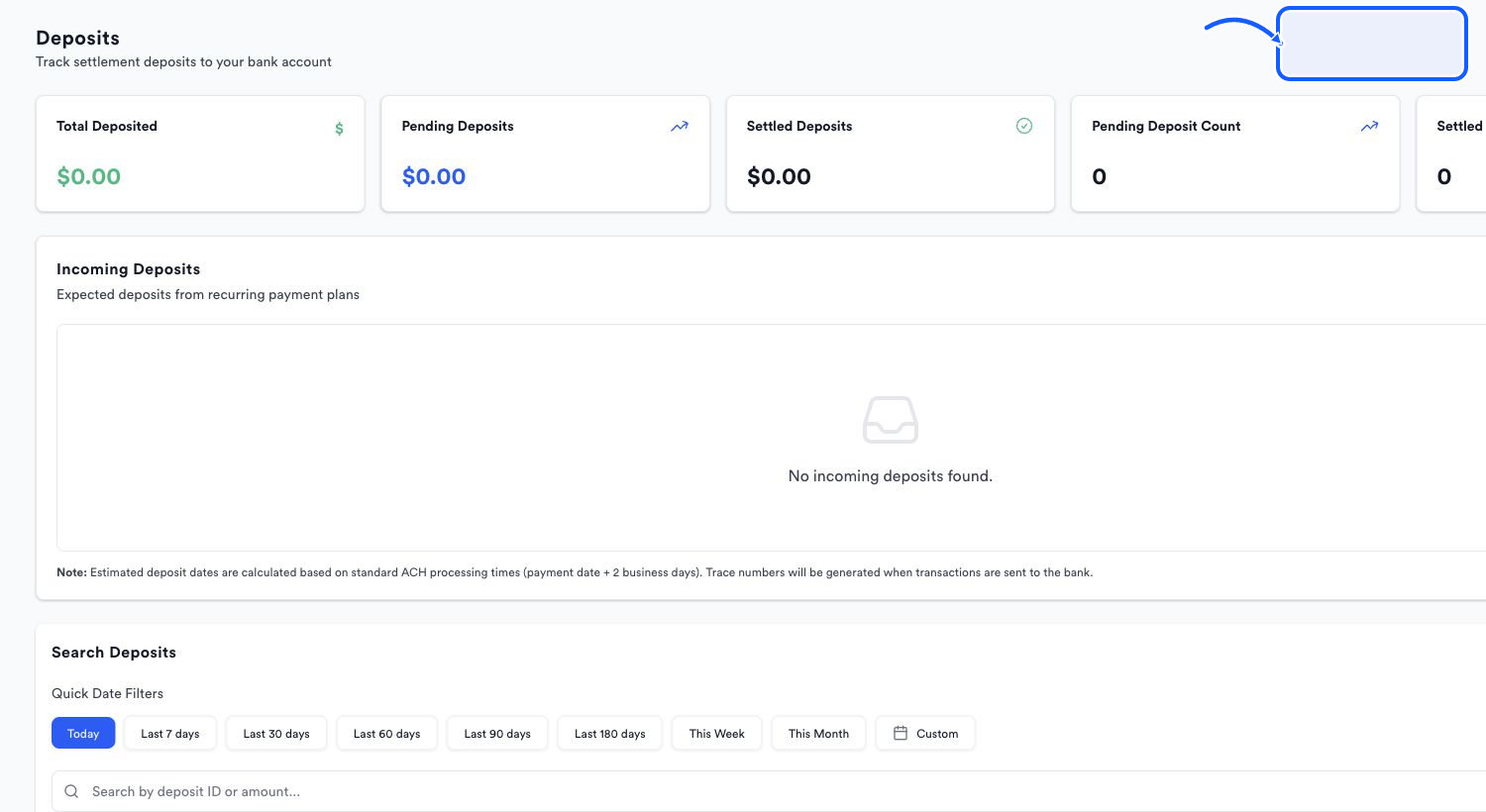
The highlighted area shows where to click.
You're done when
The deposit list and Excel export reflect the intended store, date range, and search.
Common fixes
If an expected recurring deposit is missing, verify that the plan is active and that its scheduled date is inside the selected period.
If no result matches an amount, clear the search and use a wider date range.
If a trace number is absent, the page notes that it is generated when the transaction is sent to the bank.