
Deposits, reports & exceptions
Review disputes
Use dispute totals, date and status filters, sorting, and Excel export to find and review disputes.
Before you begin
- Who can use this
- Users permitted to view Disputes
- You'll need
- The correct store selected
- A date period or status to review
- The person responsible for dispute follow-up
Review disputes
- 1
Open Disputes
Review Total Disputes, Open, Under Review, and Resolved amounts and counts.
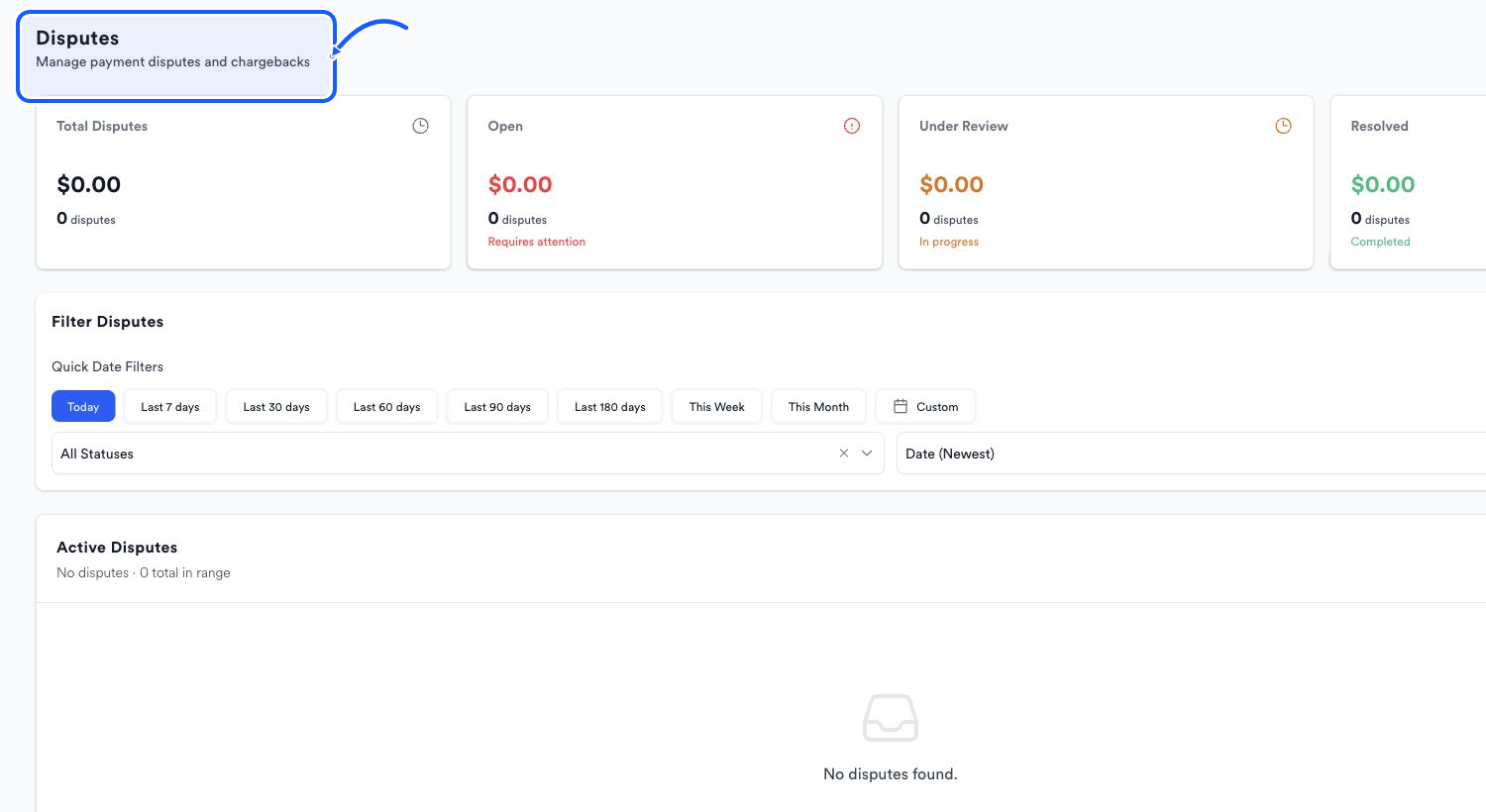
The highlighted area shows where to click. - 2
Set the date
Use a quick range or Custom to define the period.
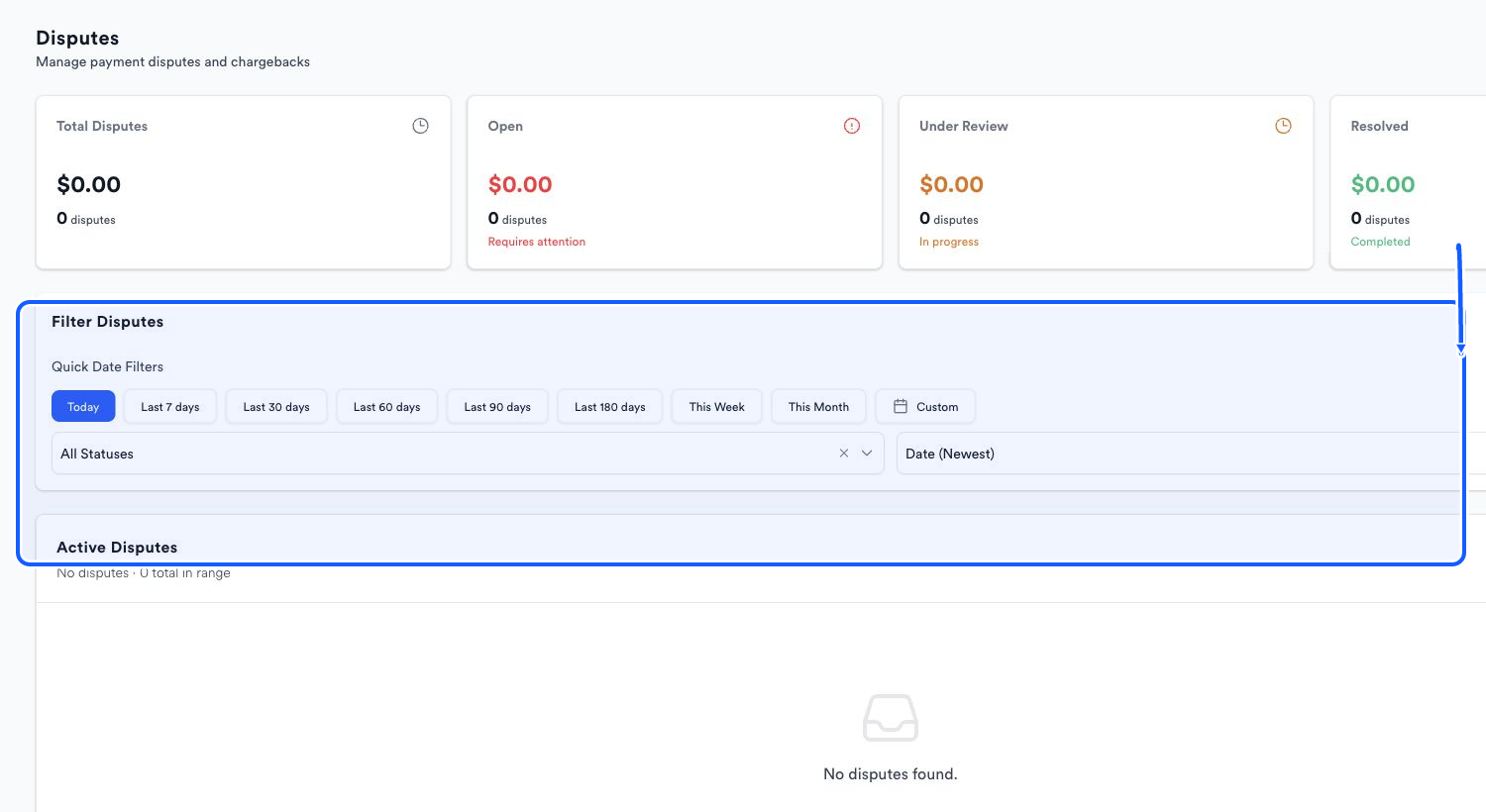
The highlighted area shows where to click. - 3
Filter and sort
Choose a value from All Statuses and use Date (Newest) or the available sort control to order Active Disputes.
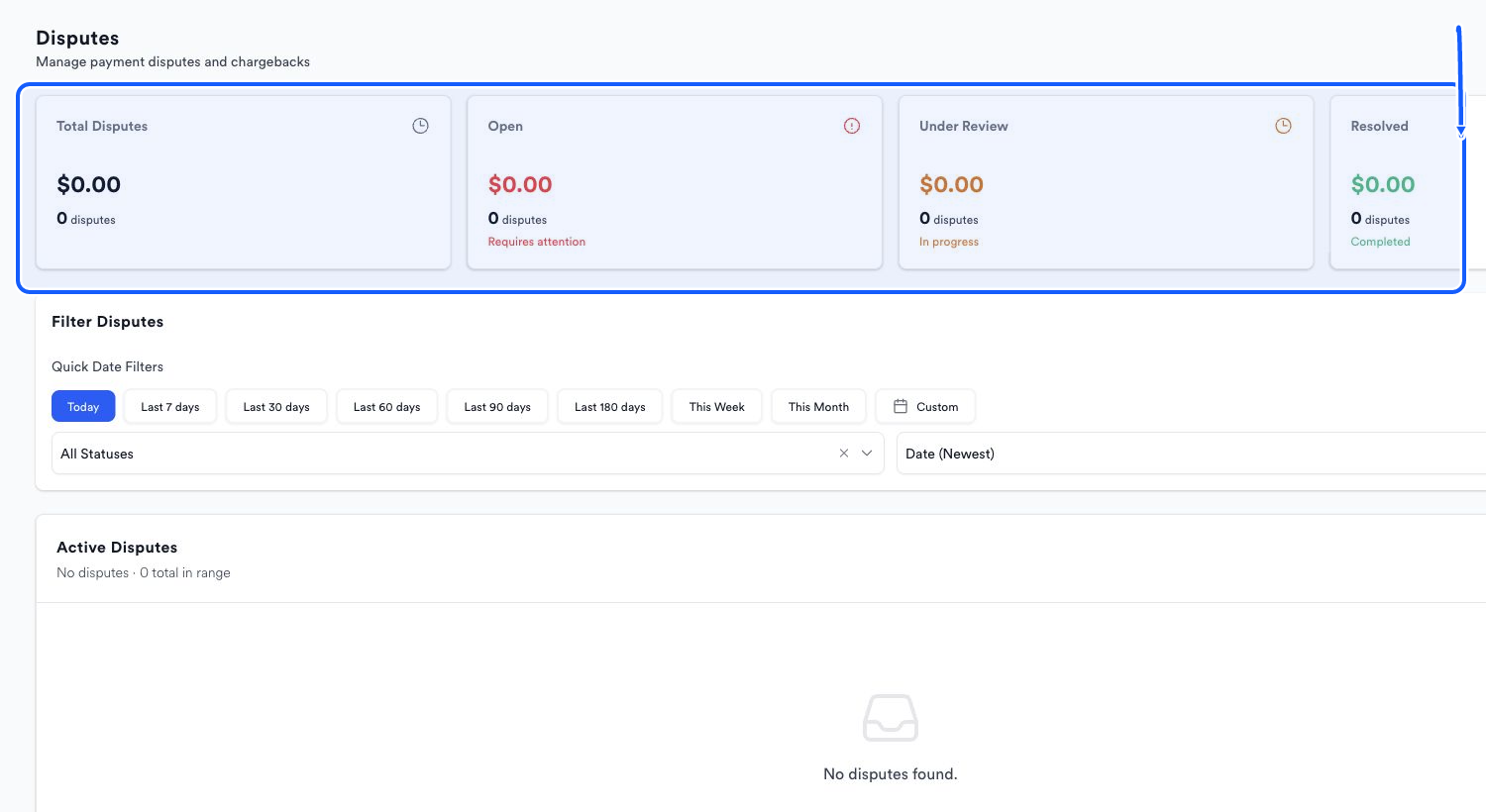
The highlighted area shows where to click. - 4
Export the current view
Choose Export Excel after the date, status, and sort controls match the review you need.
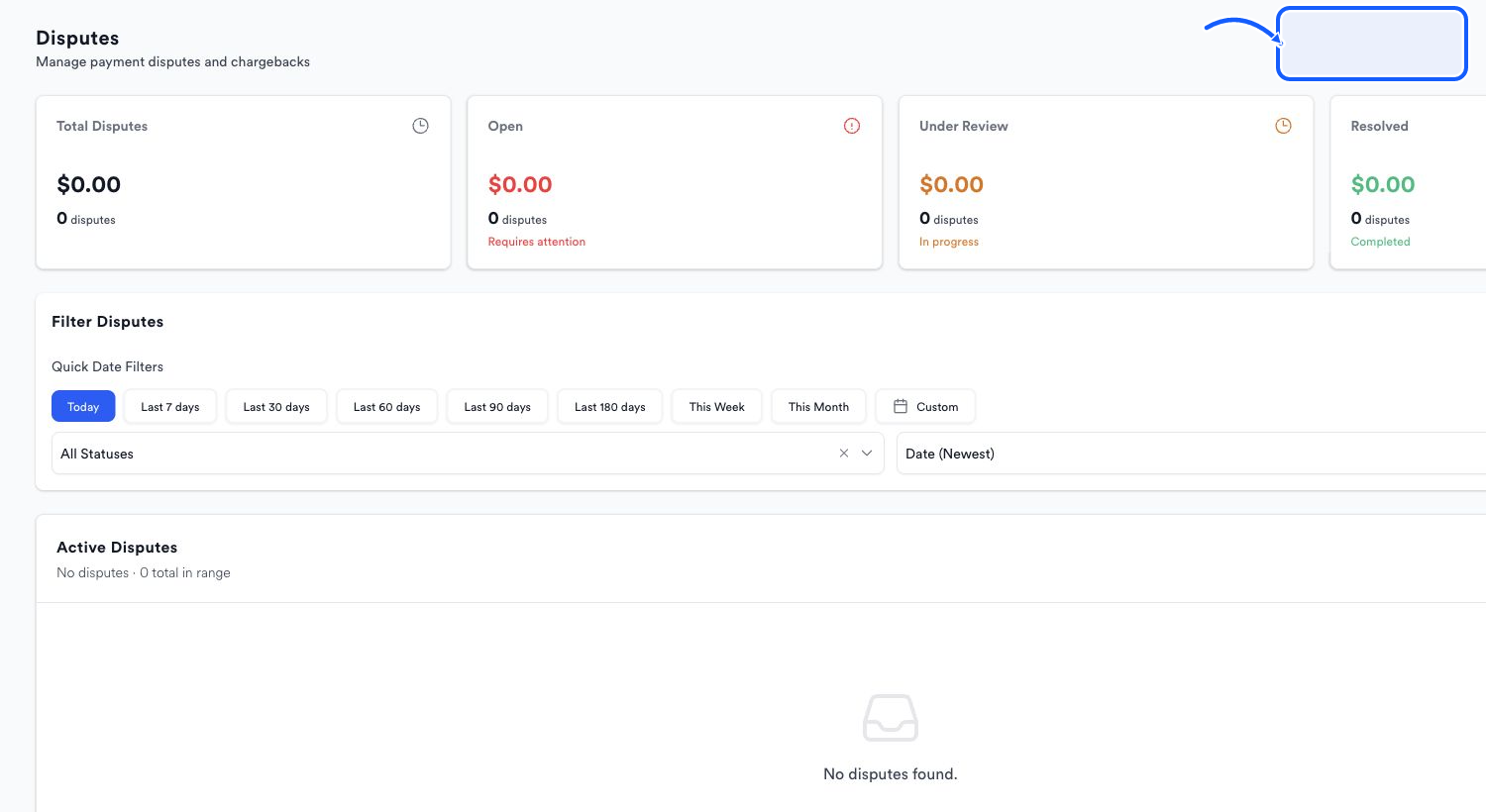
The highlighted area shows where to click.
You're done when
Active Disputes and the Excel export reflect the selected date, status, and sort order.
Common fixes
If an Open total is visible but Active Disputes is empty, clear All Statuses and widen the date range.
If an older dispute is missing, change the sort or use a Custom period.
If a required response action is not visible, confirm the assigned role and use Need Help in Quickvee Pay.